Word ribbon
In a document created with primedocs, Word shows the primedocs tab. This page describes every button. The guide is under Finishing a document in Word.
Applies to: Word on Windows with primedocs Desktop (Office COM add-in).

Change automatically filled fields, especially in header and footer, only via Properties, Profile and Language, not directly in the text. Otherwise the changes are lost the next time the document is updated.
primedocs group
primedocs: switches to the template overview in primedocs Desktop. The button's menu opens the Help.
Document group
Properties: reopens the properties dialog to change recipients or field values.
Profile: switches the profile if several are available.
Language: switches the document language, including the spell-check language for the whole document.
Content group
Snippets: opens the snippet pane with favourites, own and shared snippets. Insert by double-click or drag and drop. Own snippets are created by dragging selected content into the pane. If a snippet exists in several languages, the version in the document language is inserted. See Inserting and managing snippets.
Quick Check: shows a side panel that guides through the document and checks open items. Appears only if the function is set up for the template.
Format group
Fill colour / Line colour / Text colour: colours according to the design of the organisational unit. Each of the three buttons is only available if the colour theme of the organisational unit defines colours of that kind for Word and the document is not protected.
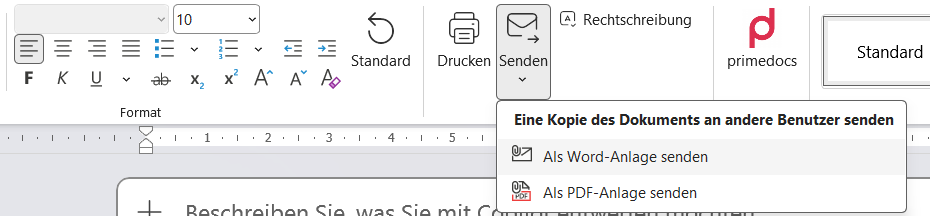
General Word formatting: font, indentation, alignment as in Word. Standard resets the formatting of the current paragraph to the template.
Finalisation group
Print: opens the Word print dialog (Ctrl+P).
Send: puts a copy of the document into a new e-mail, as Word attachment or as PDF attachment.
Output: generates the output and forwards it according to the stored configuration. Appears only if output management is set up (see Output Management).
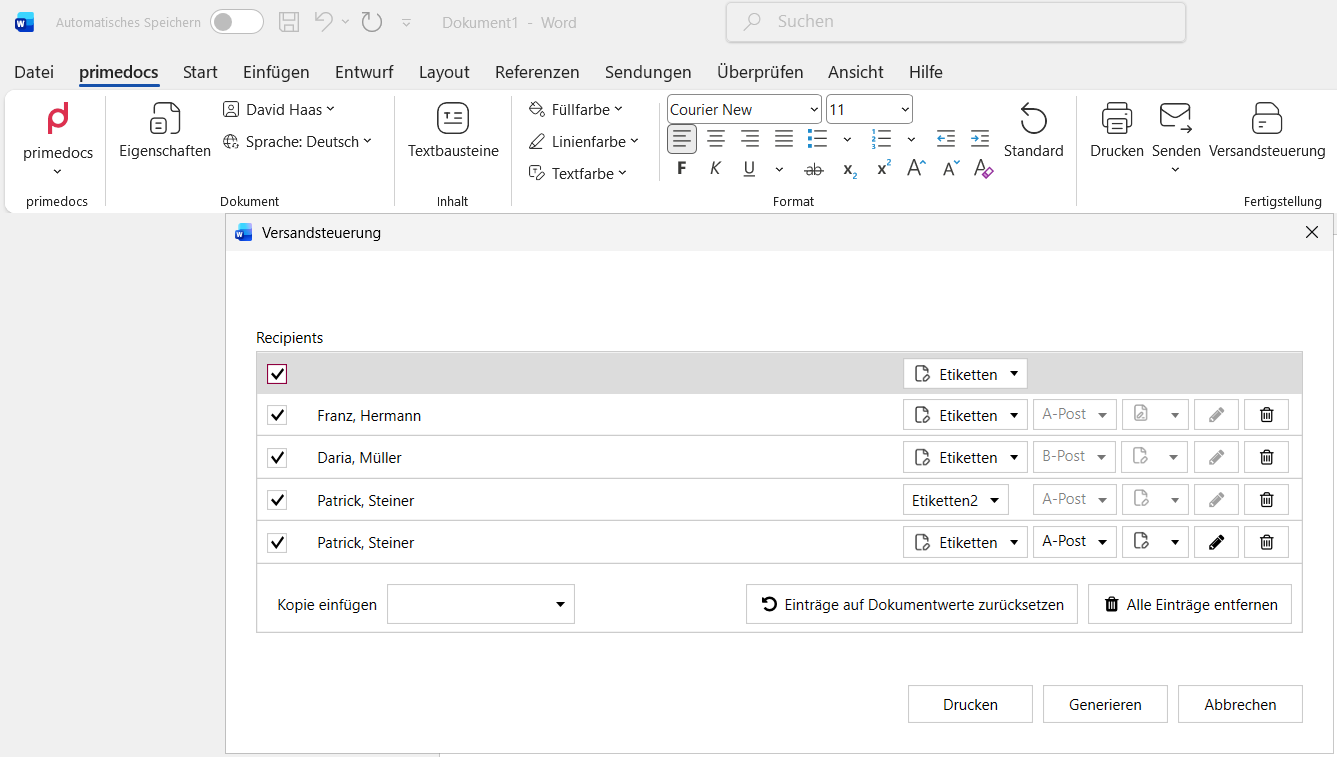
Dispatch Manager: prepares and generates successor documents. Per recipient, labels, dispatch type (A/B mail) and output channel can be set. Generate produces PDFs and Print prints. Appears only if successor documents are set up for the template (see Dispatch Manager).
Spelling: starts the spell check.