Add-Ins
primedocs is fully integrated into Microsoft Office: a primedocs tab is available in Word, Outlook, PowerPoint and Excel. The add-ins are set up as part of the primedocs desktop installation and are therefore only available on Windows. The ribbons are deliberately kept similar — the first buttons (primedocs, Save, Properties, Profile, Language) are the same everywhere.
This overview briefly introduces the four add-ins. The individual subpages describe the functions in detail.
Word Add-In
Create and edit documents from templates: change recipient and profile, insert snippets, set colours according to corporate design, and print or send the document.

Outlook Add-In
E-mails in corporate design: choose e-mail templates, control signatures and campaign banners, and use snippets just like in Word.
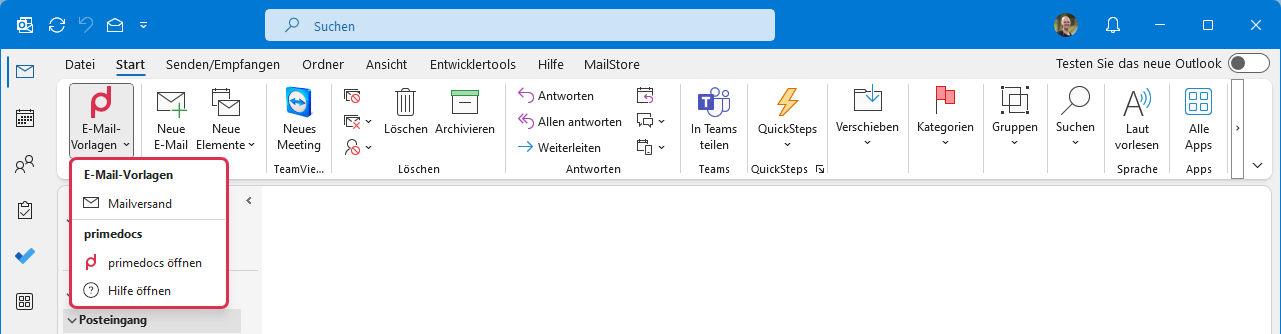
PowerPoint Add-In
Presentations under control: slide layouts and image library, colour and chart management, sending slides by e-mail, transferring formatting, and positioning objects with a single click using the "Arrange" group.

Excel Add-In
Workbooks in corporate design: apply the design and colours, insert worksheets with the correct theme, and manage charts in a colour- and CI-compliant way.
